Support our educational content for free when you purchase through links on our site. Learn more

15 Best AI Task Prioritization Tools for 2026 🤖
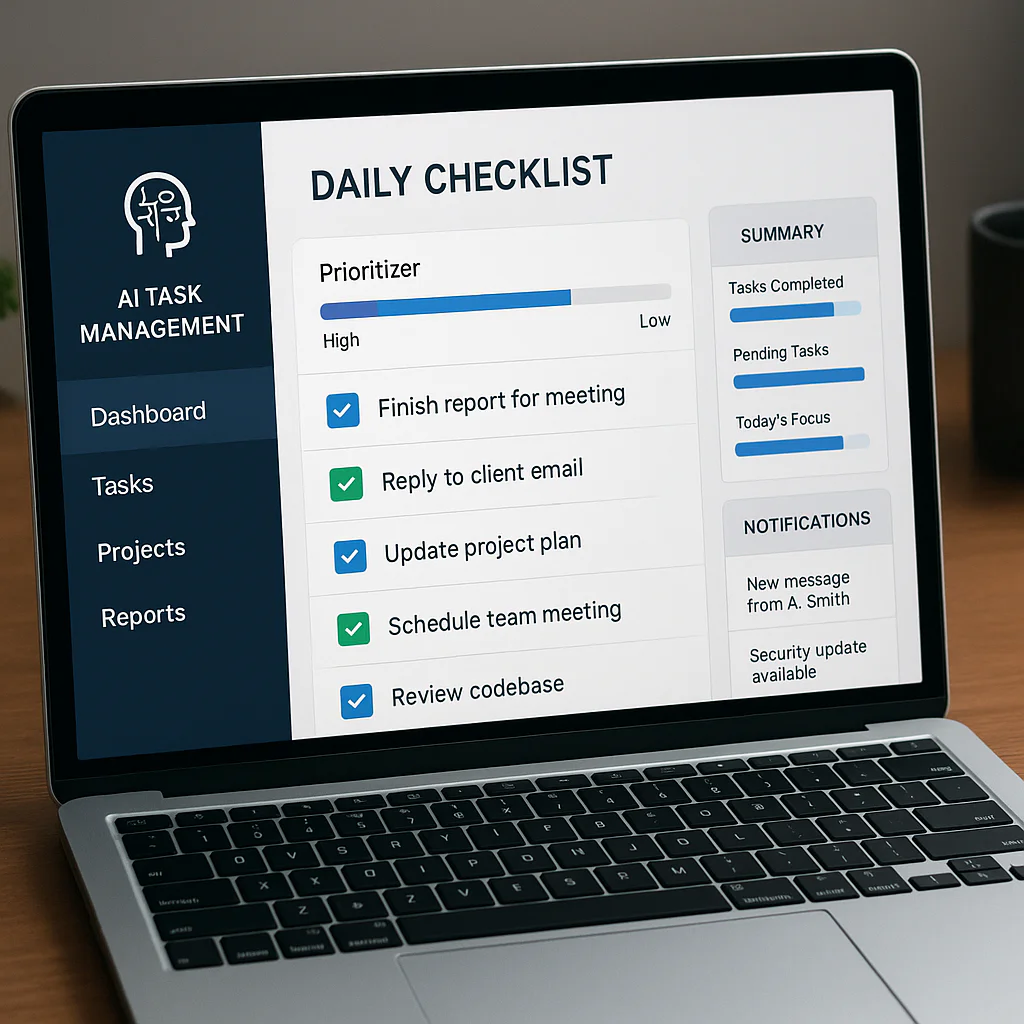

The best AI task prioritization tools don’t just sort your to-do list—they help you decide what matters, make a realistic plan, and adjust when the day goes sideways. For most people, Motion is a strong pick for automatic calendar scheduling, while Todoist, Reclaim.ai, and ClickUp suit different workflows and team needs.
We’ve all had that morning: 27 tasks, three “urgent” messages, and a calendar that looks like a game of Tetris played by a racoon. The right AI task manager can pull scattered work into one view, suggest what to tackle next, and leave space for the unexpected—though it still needs your judgment to understand what truly matters.
Below, we compare 15 tools by their prioritization features, scheduling, integrations, usability, and privacy considerations. We’ll also show you how to choose a fit, set it up, and keep its helpful little robot brain from booking every spare minute.
Key Takeaways
- Choose based on your workflow: Motion and Reclaim.ai emphasize calendar-aware scheduling; Todoist keeps personal task lists simple; ClickUp and Asana offer broader team project management.
- AI suggestions need good inputs: Clear deadlines, task duration, dependencies, and goals help tools produce more useful priorities.
- Keep human judgment in charge: AI can organize and recommend, but you decide what is urgent, valuable, or worth postponing.
- Check integrations and privacy: Confirm the tool works with your calendar and work apps, and review its data-handling settings before connecting sensitive accounts.
- Start with one friction point: Automate task capture, schedule focus time, organize a project first—then expand once the system earns your trust.
Explore the tools: Motion | Reclaim.ai | Todoist | ClickUp | Asana
Table of Contents
- ⚡️ Quick Tips and Facts: AI Task Prioritization Tools
- 🧭 What Are AI Task Prioritization Tools?
- How AI Task Management and Prioritization Work
- AI Prioritization vs. Traditional To-Do Lists
- 📚 Background: How AI Is Changing Task Management
- 🏆 15 Best AI Task Prioritization Tools
- 1. Motion
- 2. Reclaim.ai
- 3. Todoist
- 4. ClickUp
- 5. Asana
- 6. Notion
- 7. Taskade
- 8. Trello
- 9. monday.com
- 10. Akiflow
- 11. Sunsama
- 12. Linear
- 13. Microsoft To Do
- 14. Wrike
- 15. Jira
- 🔍 How We Evaluate AI Task Prioritization Software
- Priority Recommendations and Smart Scheduling
- Integrations, Automation, and Collaboration
- Ease of Use, Accessibility, and Mobile Apps
- Privacy, Security, and Data Controls
- ⚖️ AI Task Manager Comparison: Features at a Glance
- 🧩 Which AI Prioritization Tool Fits Your Work Style?
- Best Tools for Individuals and Freelancers
- Best Tools for Teams and Project Managers
- Best Tools for Developers and Creative Teams
- Best Free AI Task Prioritization Tools
- 🛠️ How to Choose an AI Task Management Tool
- Define Your Prioritization Needs and Workflow
- Check Calendar, Email, and Project App Integrations
- Assess Pricing Plans, Limits, and Scalability
- Review AI Transparency and Data Privacy
- 🚀 How to Set Up AI-Powered Task Prioritization
- Capture Tasks from Email, Chat, and Meeting Notes
- Set Goals, Deadlines, Dependencies, and Priorities
- Use AI to Break Projects into Actionable Steps
- Build a Realistic Calendar and Daily Plan
- Review Recommendations and Adjust Your Workflow
- 💡 Practical AI Task Prioritization Strategies
- Combine Urgency, Importance, Effort, and Impact
- Handle Conflicting Deadlines and Changing Priorities
- Avoid Overbooking, Notification Fatigue, and Busywork
- Keep Human Judgment in the Loop
- 🤖 AI Agents, Task Automation, and Workflow Integrations
- When to Automate Task Creation and Assignment
- What AI Agents Can—and Cannot—Prioritize
- Connect AI Task Tools to Your Existing Apps
- 📊 Measuring Productivity and Prioritization Results
- Useful Metrics: Completion Rate, Focus Time, and Workload
- Spot Bottlenecks Without Turning Work into a Scoreboard
- 🔐 Privacy, Security, and Responsible Use of AI Task Tools
- ❓ Frequently Asked Questions About AI Task Prioritization Tools
- Can AI prioritize my tasks automatically?
- Are AI task prioritization tools accurate?
- Can AI task managers prioritize work from email and chat?
- What is the best free AI task prioritization tool?
- Can these tools reschedule tasks when plans change?
- Are AI task prioritization tools safe for work data?
- Will an AI task manager replace a project manager?
- How do I stop AI from scheduling too much work?
- ✅ Conclusion: Choose an AI Prioritization Tool You’ll Actually Use
- 🔗 Recommended Links
- 📖 Reference Links
Table of Contents
- ⚡️ Quick Tips and Facts: AI Task Prioritization Tools
- 🧭 What Are AI Task Prioritization Tools?
- How AI Task Management and Prioritization Work
- AI Prioritization vs. Traditional To-Do Lists
- 📚 Background: How AI Is Changing Task Management
- 🏆 15 Best AI Task Prioritization Tools
- 1. Motion
- 2. Reclaim.ai
- 3. Todoist
- 4. ClickUp
- 5. Asana
- 6. Notion
- 7. Taskade
- 8. Trello
- 9. monday.com
- 10. Akiflow
- 11. Sunsama
- 12. Linear
- 13. Microsoft To Do
- 14. Wrike
- 15. Jira
- 🔍 How We Evaluate AI Task Prioritization Software
- Priority Recommendations and Smart Scheduling
- Integrations, Automation, and Collaboration
- Ease of Use, Accessibility, and Mobile Apps
- Privacy, Security, and Data Controls
- ⚖️ AI Task Manager Comparison: Features at a Glance
- 🧩 Which AI Prioritization Tool Fits Your Work Style?
- Best Tools for Individuals and Freelancers
- Best Tools for Teams and Project Managers
- Best Tools for Developers and Creative Teams
- Best Free AI Task Prioritization Tools
- 🛠️ How to Choose an AI Task Management Tool
- Define Your Prioritization Needs and Workflow
- Check Calendar, Email, and Project App Integrations
- Assess Pricing Plans, Limits, and Scalability
- Review AI Transparency and Data Privacy
- 🚀 How to Set Up AI-Powered Task Prioritization
- Capture Tasks from Email, Chat, and Meeting Notes
- Set Goals, Deadlines, Dependencies, and Priorities
- Use AI to Break Projects into Actionable Steps
- Build a Realistic Calendar and Daily Plan
- Review Recommendations and Adjust Your Workflow
- 💡 Practical AI Task Prioritization Strategies
- Combine Urgency, Importance, Effort, and Impact
- Handle Conflicting Deadlines and Changing Priorities
- Avoid Overbooking, Notification Fatigue, and Busywork
- Keep Human Judgment in the Loop
- 🤖 AI Agents, Task Automation, and Workflow Integrations
- When to Automate Task Creation and Assignment
- What AI Agents Can—and Cannot—Prioritize
- Connect AI Task Tools to Your Existing Apps
- 📊 Measuring Productivity and Prioritization Results
- Useful Metrics: Completion Rate, Focus Time, and Workload
- Spot Bottlenecks Without Turning Work into a Scoreboard
- 🔐 Privacy, Security, and Responsible Use of AI Task Tools
- ❓ Frequently Asked Questions About AI Task Prioritization Tools
- Can AI prioritize my tasks automatically?
- Are AI task prioritization tools accurate?
- Can AI task managers prioritize work from email and chat?
- What is the best free AI task prioritization tool?
- Can these tools reschedule tasks when plans change?
- Are AI task prioritization tools safe for work data?
- Will an AI task manager replace a project manager?
- How do I stop AI from scheduling too much work?
- ✅ Conclusion: Choose an AI Prioritization Tool You’ll Actually Use
- 🔗 Recommended Links
- 📖 Reference Links